Charts that feel like home in Laravel
There's a particular kind of friction every Laravel developer knows. You've built something lovely — clean Livewire components, a tidy Blade view, data flowing exactly where it should. Then someone says: "Can we add a chart?"
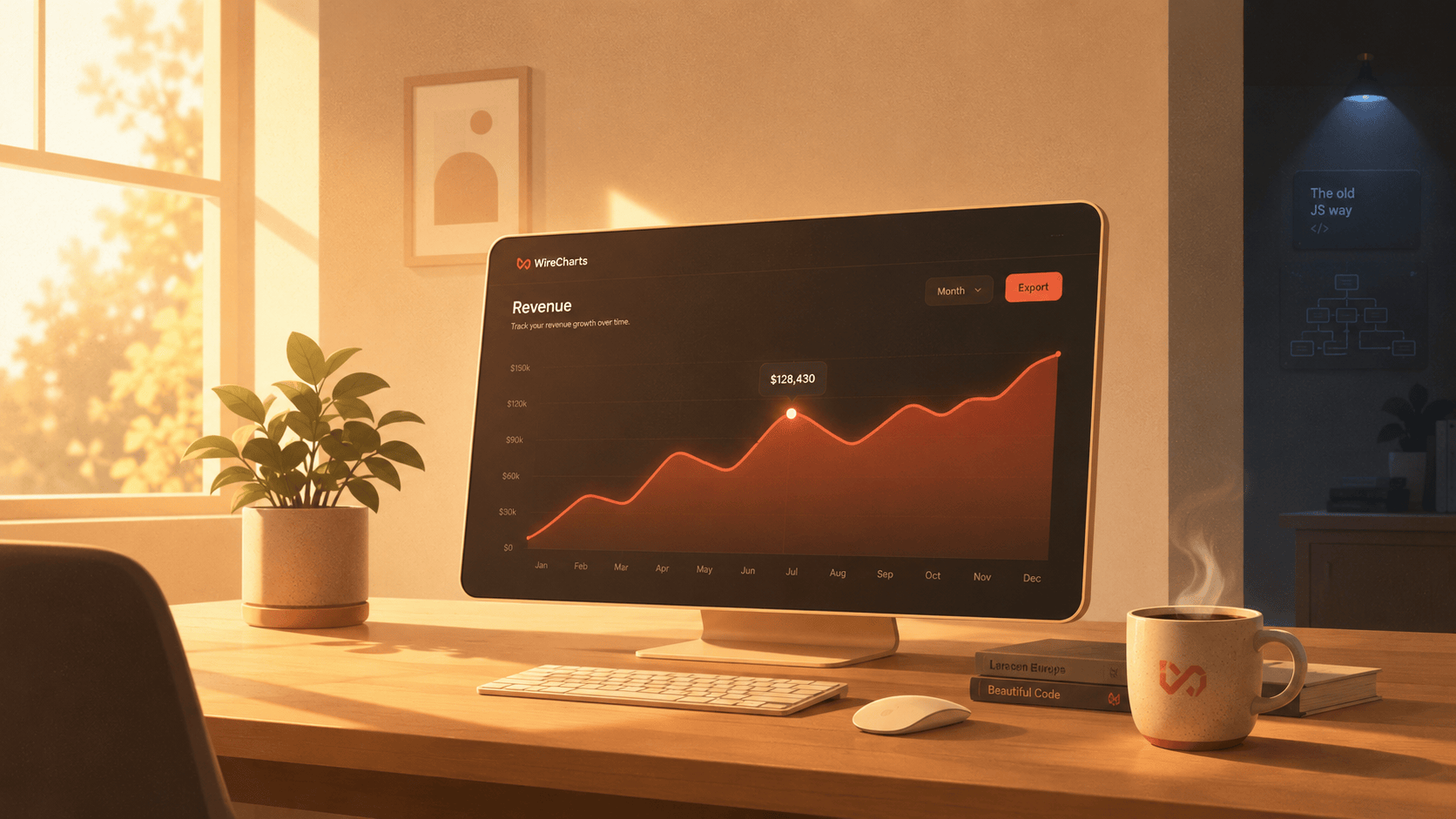
And suddenly you're somewhere else entirely. You're reading JavaScript docs, wiring up a CDN script, serializing PHP arrays into data-* attributes, writing an Alpine x-init to boot a chart library, and adding an event listener so the thing redraws when your Livewire state changes. Your nice warm Laravel app now has a cold corner where the JavaScript lives.
WireCharts exists to get rid of that cold corner.
Why we built it
We're Wirelabs, and we ship production Laravel apps for a living. Over the years we kept rebuilding the same chart plumbing in project after project — the same glue code, the same "why won't it update?" debugging, the same awkward handoff between PHP and JavaScript.
The realization was simple: charts should feel like the rest of the TALL stack. You shouldn't have to leave Blade. You shouldn't have to think about a bridge. You should pass data from PHP and trust that the chart shows up — and stays correct when your data changes.
That's the whole philosophy. WireCharts is 30+ reactive chart types that you drop in with a single tag. No build-step gymnastics, no manual re-rendering, no JavaScript to babysit. Dark mode and Tailwind theming come along for free, because of course they should.
How it works
Here's the part we're quietly proud of: there's almost nothing to show, because there's almost nothing to do.
A chart is a component. You give it data. That's it.
<livewire:charts.line :series="$revenue" />
The data lives in your Livewire component, in plain PHP:
public array $revenue = [
    ['month' => 'Jan', 'value' => 1_200],
    ['month' => 'Feb', 'value' => 1_800],
    ['month' => 'Mar', 'value' => 2_400],
];
Render the view, and there's your line chart. No script tags, no x-init, no serialization dance.
Reactivity that just happens
This is where it stops feeling like a chart library and starts feeling like Livewire. Change the data, and the chart follows:
public function refresh(): void
{
    $this->revenue = Order::monthlyRevenue()->toArray();
}
<flux:button wire:click="refresh">Refresh</flux:button>
<livewire:charts.bars :series="$revenue" />
Click the button. The chart animates to the new numbers. You didn't write a single line of JavaScript to make that happen — WireCharts listens for the Livewire update and redraws only what changed.
Theming you don't have to think about
Your app already has a look. WireCharts respects it. Colors map onto your Tailwind palette, and dark mode is automatic:
<livewire:charts.area
:series="$signups"
color="orange"
:height="280"
/>
Toggle your app's dark mode and the chart toggles with it — grid lines, labels, fills, all of it. No second theme to maintain.
One API, many shapes
Need a different chart? Same data, same conventions, different component:
{{-- Donuts for proportions --}}
<livewire:charts.donut :series="$trafficSources" />
{{-- Sankey for flows --}}
<livewire:charts.sankey :links="$userJourney" />
{{-- Heatmaps for density --}}
<livewire:charts.heatmap :matrix="$activityByHour" />
Line, bar, area, pie, donut, radar, gauge, sankey, heatmap, and more — 30+ in total — all sharing one consistent, Livewire-native API. Learn one, and you've basically learned them all.
The quiet payoff
The nicest thing about WireCharts isn't any single feature. It's what doesn't happen anymore. No context-switching into JavaScript land. No "the chart is stale" bug reports. No glue code rotting quietly in a corner of your repo.
You stay in Blade. You stay in PHP. You stay warm.
Add a chart in the time it takes to write one tag — and get back to building the thing you actually set out to build.
Ready to try it? Browse the live demos, skim the docs, or grab a license and ship your first chart this afternoon. We think you'll like how at-home it feels.